Introduction
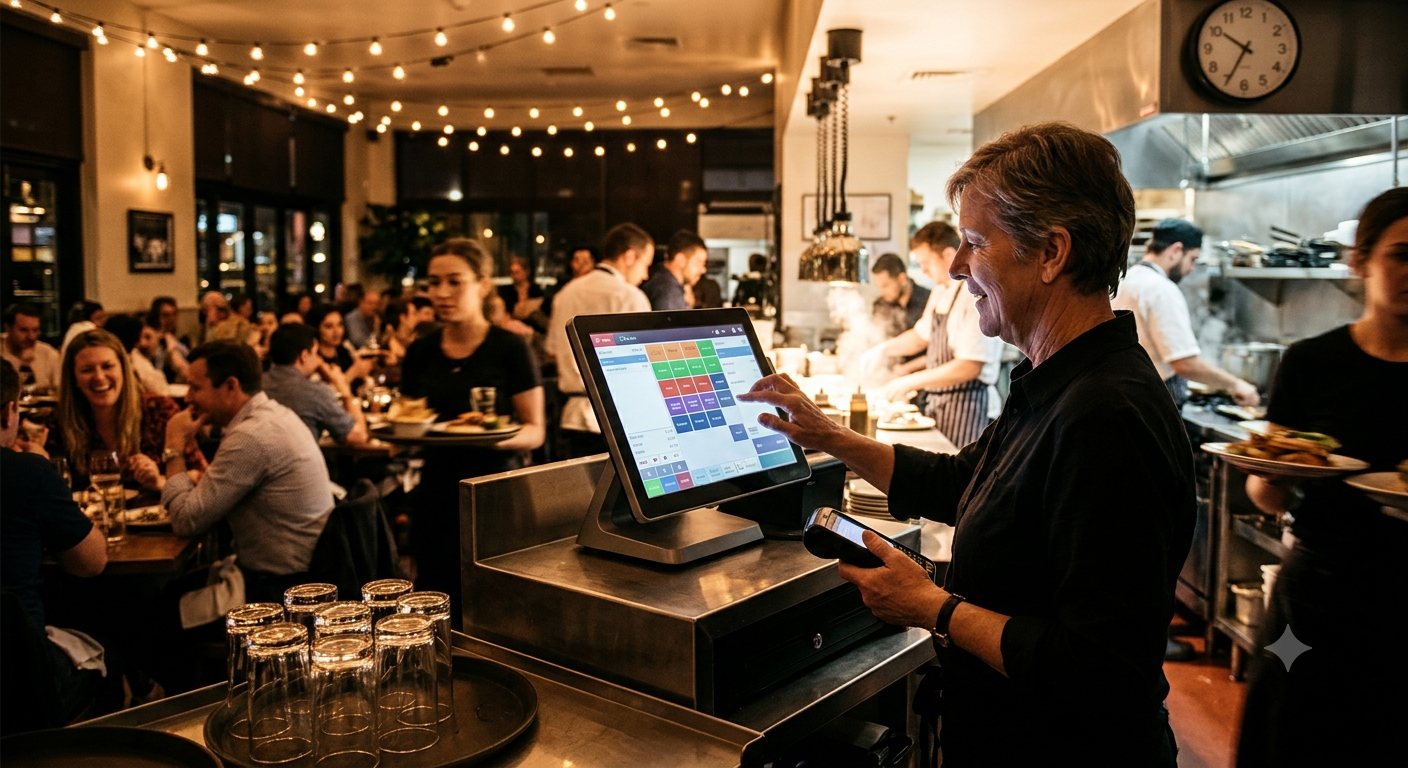
It is Friday evening. Every table is occupied, takeaway orders are arriving, the kitchen is busy, and customers are waiting to pay. One waiter cannot find an order, another needs to split a bill, and the manager is trying to understand why a popular dish has suddenly run out.
For many UK restaurants, these problems are not caused by a lack of customers. They happen because everyday operations are spread across disconnected systems.
This is where modern **restaurant EPOS software** can make a difference.
A well-designed restaurant point of sale system connects order taking, kitchen communication, payments, stock management, and sales reporting in one workflow. Instead of making staff work around technology, the technology helps staff work more efficiently.
In this guide, we explore how the right EPOS system can help UK restaurants handle busy services, improve operational visibility, and prepare for growth.
## 1. Why Busy Restaurants Need More Than a Digital Till
A traditional till records transactions. A modern restaurant POS system can support the entire journey from placing an order to completing a payment.
Depending on the system, this may include:
– Dine-in, takeaway, and collection orders
– Table and floor management
– Kitchen printing or kitchen display systems
– Bill splitting and order modifications
– Stock tracking and low-stock alerts
– Sales reports and staff performance insights
– Online ordering integrations
– Multi-location management
The real advantage is connected information. When the front of house, kitchen, and management team work from consistent order data, there is less need to repeat information or rely on handwritten notes.
For restaurants that regularly experience service bottlenecks, upgrading their restaurant EPOS system can be an opportunity to improve the entire operation.
## 2. Connect the Front of House to the Kitchen
One of the biggest challenges during a busy service is communication.
A waiter takes an order, writes it down, walks to a terminal, and enters it again. If an item is missed or a modification is unclear, the kitchen may prepare the wrong dish.
A restaurant EPOS system with kitchen display system (KDS) integration can send orders directly to the kitchen.
### How this improves restaurant operations
**Faster order communication:** Orders reach the kitchen without unnecessary manual handovers.
**Clearer modifications:** Special instructions can appear alongside the relevant items.
**Better order visibility:** Kitchen staff can track the status of orders, depending on the system’s capabilities.
**Improved coordination:** Front-of-house staff can check progress without repeatedly interrupting kitchen staff.
For example, a customer requests a burger without cheese and asks for extra fries. A properly configured system should communicate those modifications clearly to the kitchen.
The result is a more organised workflow and fewer opportunities for avoidable mistakes.
## 3. Make Table Management Easier for Restaurant Staff
For a sit-down restaurant, table management affects both customer experience and service efficiency.
A suitable POS system for restaurants can provide a visual floor plan showing table status, open orders, and payment progress.
Useful capabilities may include:
– Assigning orders to tables
– Moving orders between tables
– Combining or splitting bills
– Tracking occupied and available tables
– Recording covers and sales by service period
Imagine a group of six customers asking to pay separately. Instead of calculating multiple bills manually, staff can use supported bill-splitting functions to complete the transaction more smoothly.
For restaurants with high table turnover, these small operational improvements can make service easier to manage.
## 4. Stop Treating Stock Management as Guesswork
Food waste, unavailable menu items, and over-ordering can affect restaurant profitability.
Restaurant inventory management software, particularly when connected to POS sales, can help managers understand what is selling and what needs attention.
A more advanced setup may support:
– Stock adjustments after sales
– Ingredient-level inventory tracking
– Low-stock notifications
– Supplier and purchase records
– Recipe costing
– Waste tracking
– Sales and inventory reporting
For example, if a restaurant sells 80 portions of a particular dish over a weekend, sales and recipe data may help estimate ingredient consumption and plan future purchasing.
However, accurate inventory tracking depends on correct recipes, portion sizes, stock receipts, wastage records, and system configuration. A POS cannot eliminate food waste automatically, but it can provide better information for controlling it.
## 5. Use Sales Reports to Make Better Menu Decisions
Restaurant owners need more than a total at the end of the day. They need to understand what drives sales.
A modern restaurant POS system may provide reports on:
– Best-selling menu items
– Sales by hour or day
– Average transaction value
– Discounts and voids
– Sales by location
– Payment methods
– Performance across different menu categories
These reports can help answer practical questions.
Which dishes sell best during lunch? Which products are rarely ordered? When does takeaway demand peak? Are promotions increasing sales or simply reducing margins?
By reviewing this information regularly, managers can make more informed decisions about menu design, staffing, pricing, and promotions.
## 6. Bring Dine-In, Takeaway, and Online Orders Together
Customers increasingly expect restaurants to offer convenient ways to order.
Depending on the business model, an EPOS solution may integrate dine-in orders with takeaway, collection, QR ordering, or supported online ordering platforms.
When integrations are configured correctly, staff can spend less time entering the same information into multiple systems.
Before choosing a solution, restaurants should check:
– Which ordering channels are supported
– Whether orders reach the kitchen automatically
– How menu availability is synchronised
– Whether modifiers and special instructions transfer correctly
– How refunds, cancellations, and order changes are handled
– Whether integration or transaction fees apply
A system that connects the right channels can help reduce manual work while keeping order management more consistent.
## 7. Cloud-Based Restaurant POS: Visibility Beyond the Counter
Cloud-based restaurant POS software can allow authorised owners and managers to review sales and operational information remotely.
Depending on the provider, benefits may include:
– Access to sales reports away from the restaurant
– Centralised menu and pricing updates
– Multi-location reporting
– Automatic software updates
– Easier management of additional terminals
Cloud systems still require careful evaluation. Restaurant owners should ask about internet outages, offline functionality, data backups, account permissions, and support arrangements.
A reliable setup should have a documented contingency plan for connectivity or equipment failures so staff know how to continue operating safely and accurately.
## 8. Choosing the Right Restaurant EPOS System in the UK
Not every restaurant needs the same features. A small café may prioritise fast checkout and simple reporting, while a full-service restaurant may require detailed table management, course handling, and kitchen display integration.
Use this checklist when evaluating restaurant EPOS software.
| Feature | What to check |
|—|—|
| Order management | Dine-in, takeaway, modifiers, and order tracking |
| Table management | Floor plans, table transfers, and split bills |
| Kitchen communication | Printer or KDS integration |
| Payments | Supported payment providers and transparent fees |
| Inventory | Stock tracking, recipes, and waste records |
| Reporting | Product, time-period, and location-based reports |
| Integrations | Accounting, delivery, booking, and online ordering tools |
| Reliability | Offline options, backups, and recovery procedures |
| Security | User permissions, secure updates, and payment protection |
| Support | Training, troubleshooting, and service availability |
Ask the provider to demonstrate a realistic busy-service scenario rather than simply showing a list of features.
For example, ask them to process a dine-in order with a modification, send it to the kitchen, split the bill, and show how the sale appears in reporting.
This gives you a clearer idea of whether the software suits your restaurant’s actual workflow.
## 9. How MusePOS Can Support Modern Restaurant Operations
Restaurant technology should simplify daily work, not introduce additional complexity.
MusePOS can position its restaurant POS and EPOS development solutions around the operational needs of modern hospitality businesses, including order processing, billing, kitchen communication, stock visibility, and sales reporting.
For restaurants considering a new system or a custom solution, the first step is to identify the problems that create the most friction during service.
A useful starting point is to assess:
1. Where order errors happen most frequently.
2. Which tasks staff still perform manually.
3. How the kitchen receives and tracks orders.
4. Whether managers can access reliable sales information.
5. Which integrations are essential for daily operations.
6. What the restaurant will need as it grows.
The right implementation should be based on these requirements rather than adding features simply because they are available.
## 10. Frequently Asked Questions
### What is restaurant EPOS software?
Restaurant EPOS software is an electronic point of sale system used to process orders and payments, manage restaurant operations, and produce sales reports. Depending on the platform, it may also support stock control, table management, and kitchen integration.
### What is the difference between POS and EPOS?
POS means point of sale, while EPOS means electronic point of sale. In everyday restaurant technology discussions, the terms are often used interchangeably to describe systems that handle sales and related operations.
### Can restaurant POS software manage kitchen orders?
Yes. Many systems support kitchen printers or kitchen display systems that send orders from the front of house to kitchen staff. The available workflow depends on the selected software and hardware.
### Is cloud-based POS software suitable for small restaurants?
It can be. Cloud-based systems may provide remote reporting, centralised updates, and flexible access. Restaurants should compare subscription costs, connectivity requirements, offline capabilities, and support before choosing a system.
### Can a restaurant POS system track inventory?
Many restaurant POS systems offer inventory features, but their depth varies. Basic systems may track item counts, while more advanced solutions can support ingredients, recipes, stock adjustments, and waste reporting.
### How much does restaurant EPOS software cost in the UK?
Costs vary by provider, hardware, number of terminals, features, integrations, payment processing, and support. Request a complete quotation that includes recurring subscriptions, transaction charges, setup fees, hardware, and contract terms.
## Conclusion: Make Your Next Busy Service Easier to Manage
A busy restaurant should not have to depend on handwritten notes, repeated data entry, and guesswork to deliver a good customer experience.
Modern restaurant EPOS software can connect orders, kitchen communication, payments, inventory, and reporting into a more organised workflow.
The best system is not necessarily the one with the longest feature list. It is the one that fits your restaurant, supports your team during peak hours, and provides the information you need to run the business effectively.
**Looking to simplify restaurant billing and operations?** Explore MusePOS to learn more about restaurant POS and EPOS solutions designed around modern hospitality workflows.
—
Leave a Reply